CoolSim in the browser
Early-access runs are free. We read every request within one business day.
From the rack to the roof, in one browser tab.
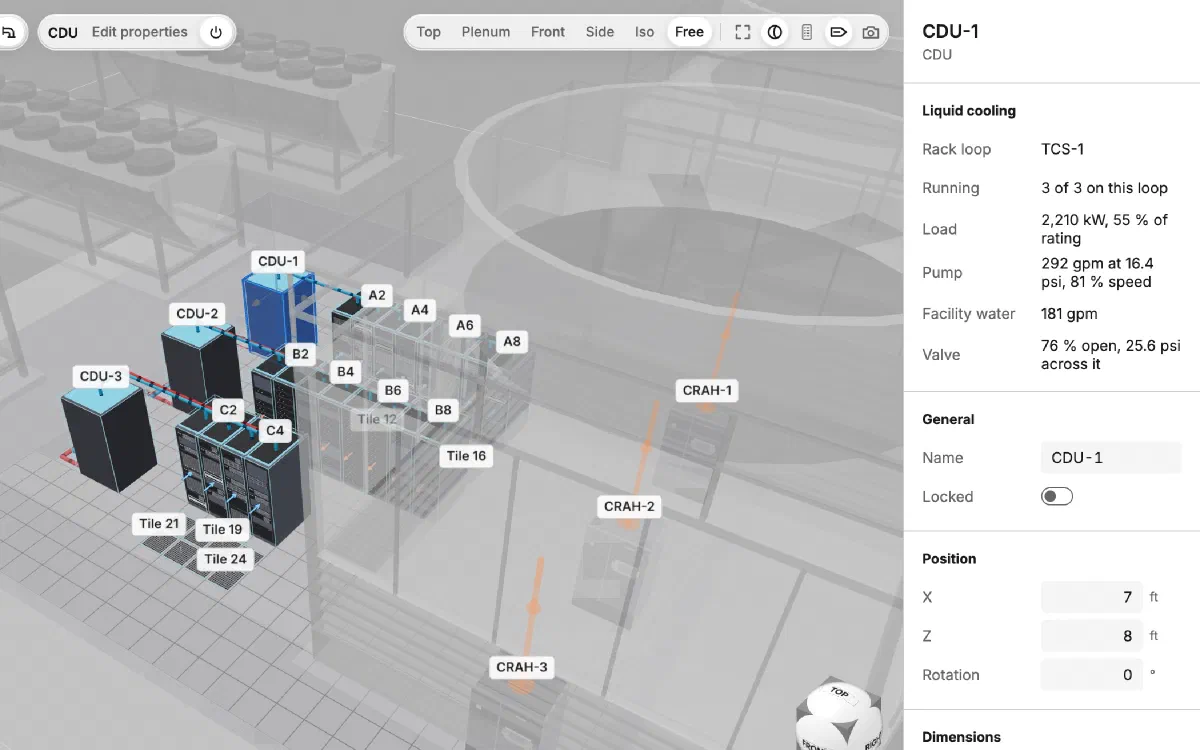
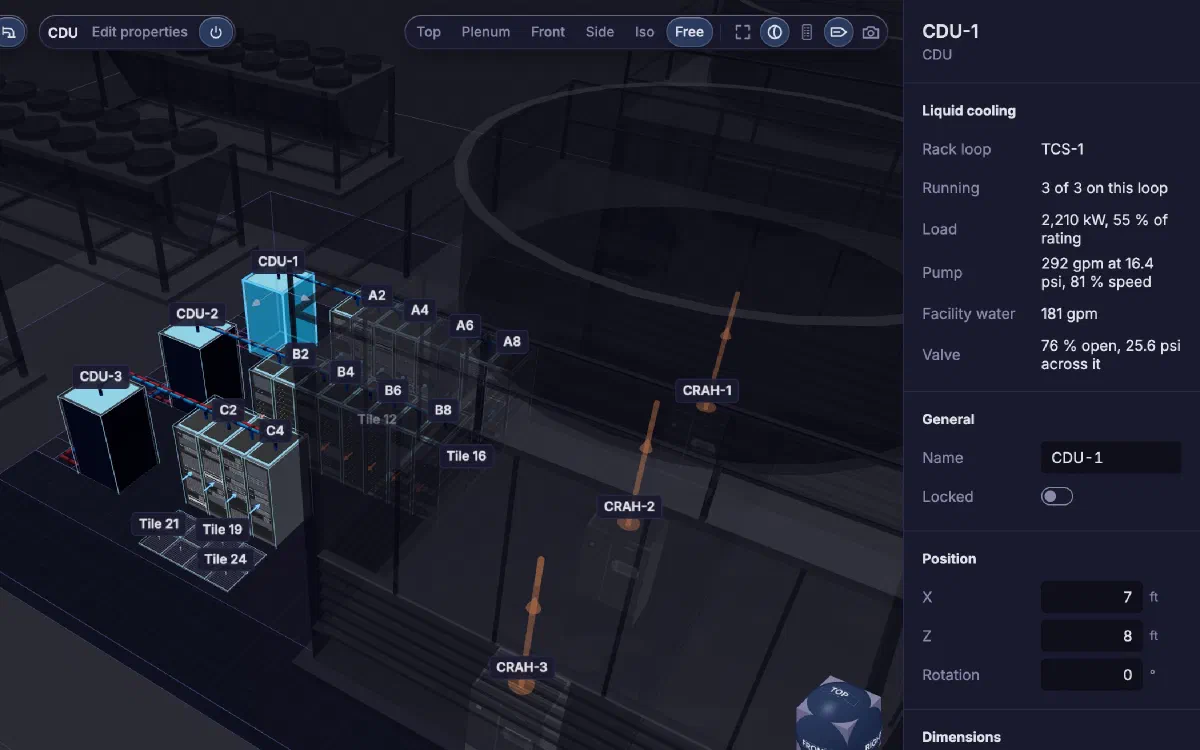
Lay out racks, cooling units, tiles and containment, and the CDUs that carry the racks' liquid loops. Select a CDU to see its loop's load, its pump and the facility water it draws, and the room keeps a running total of what the plant has left.
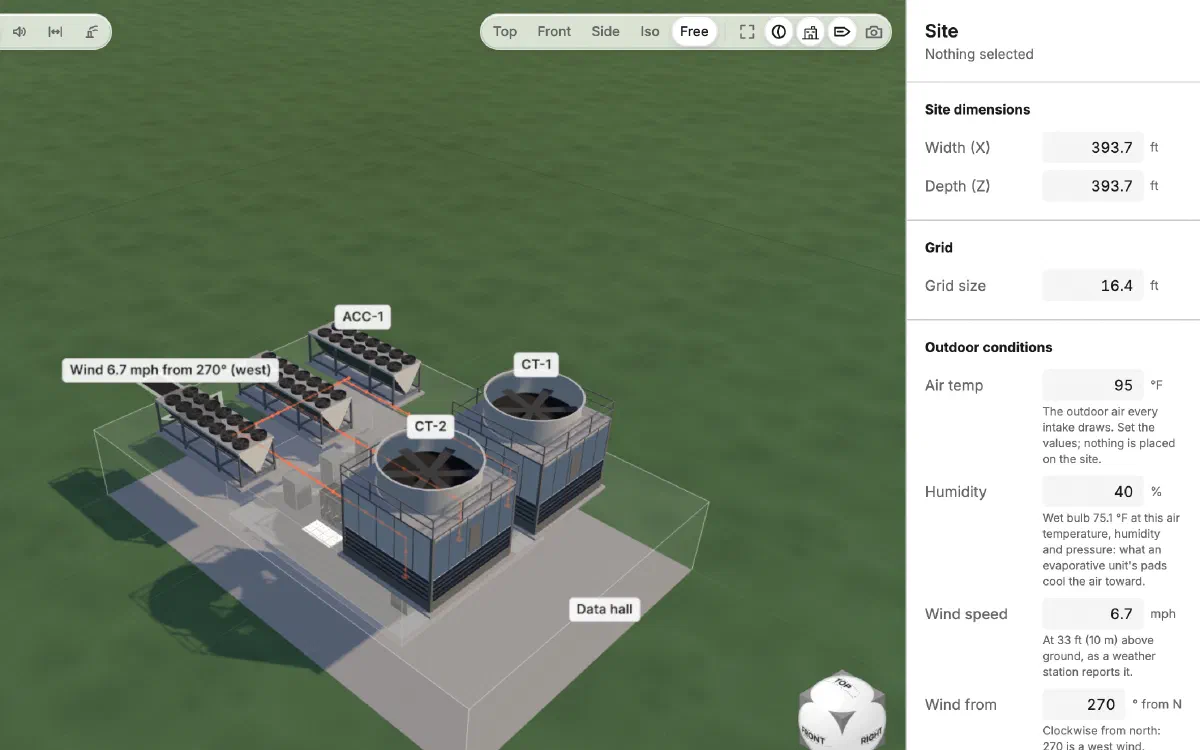
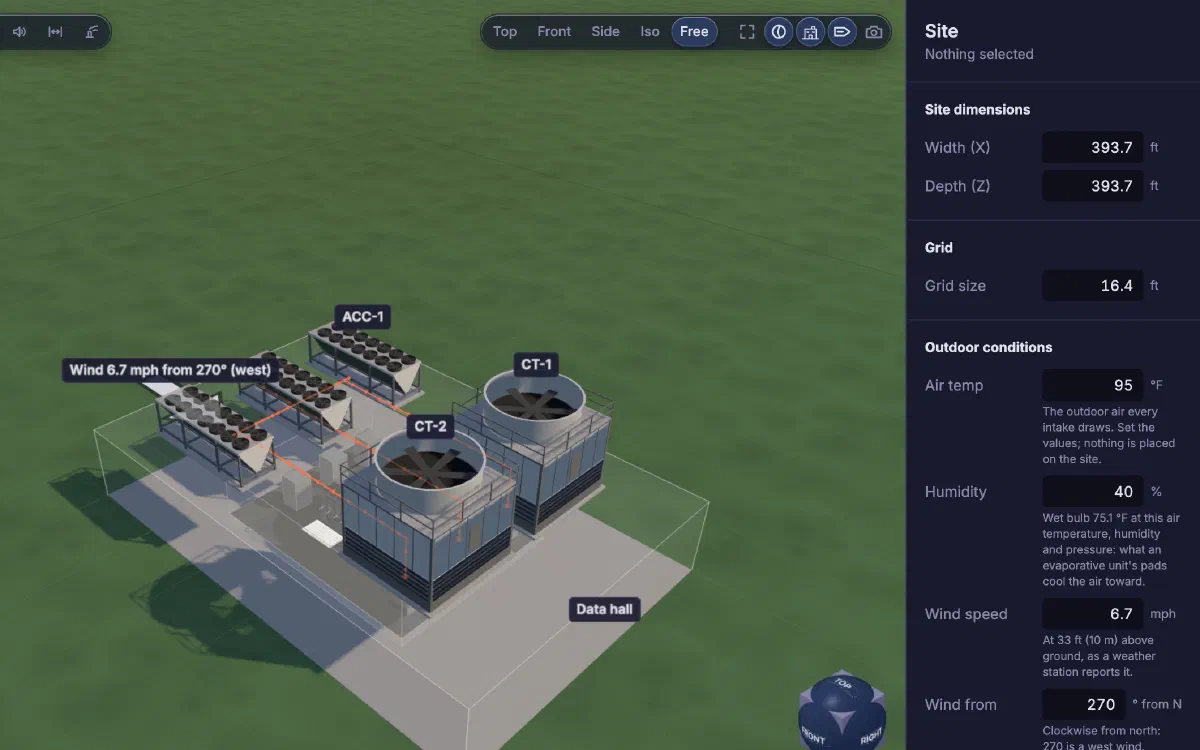
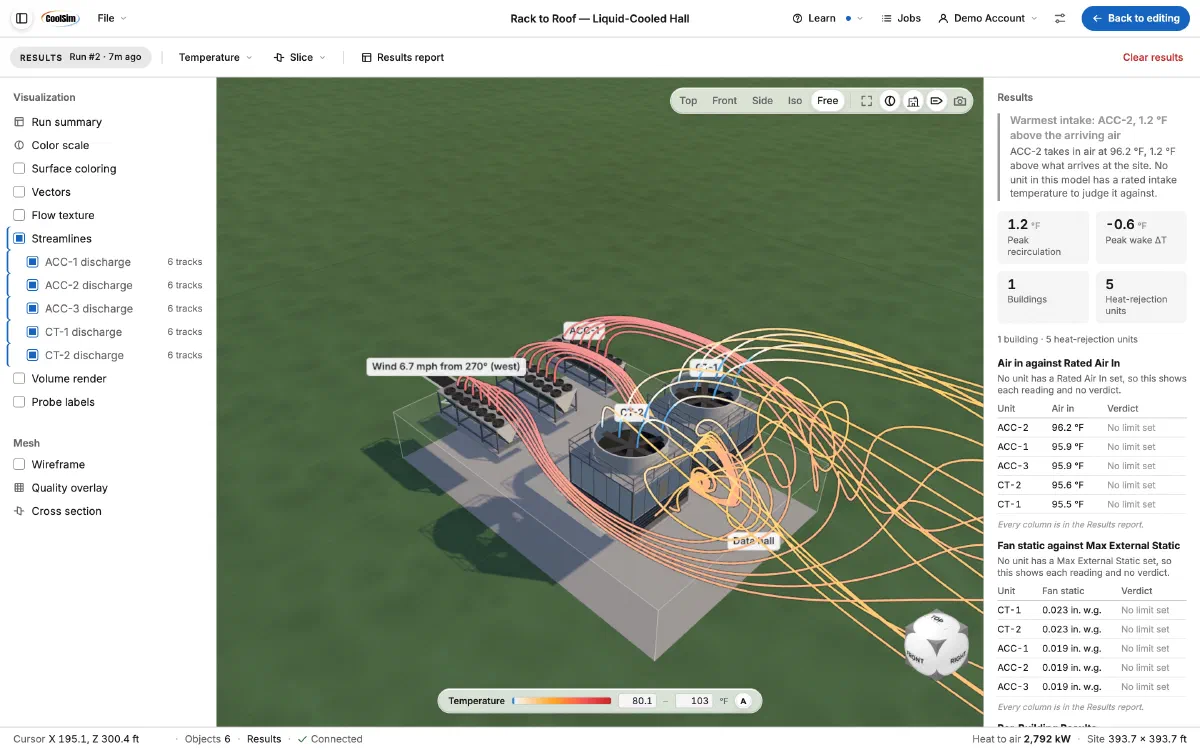
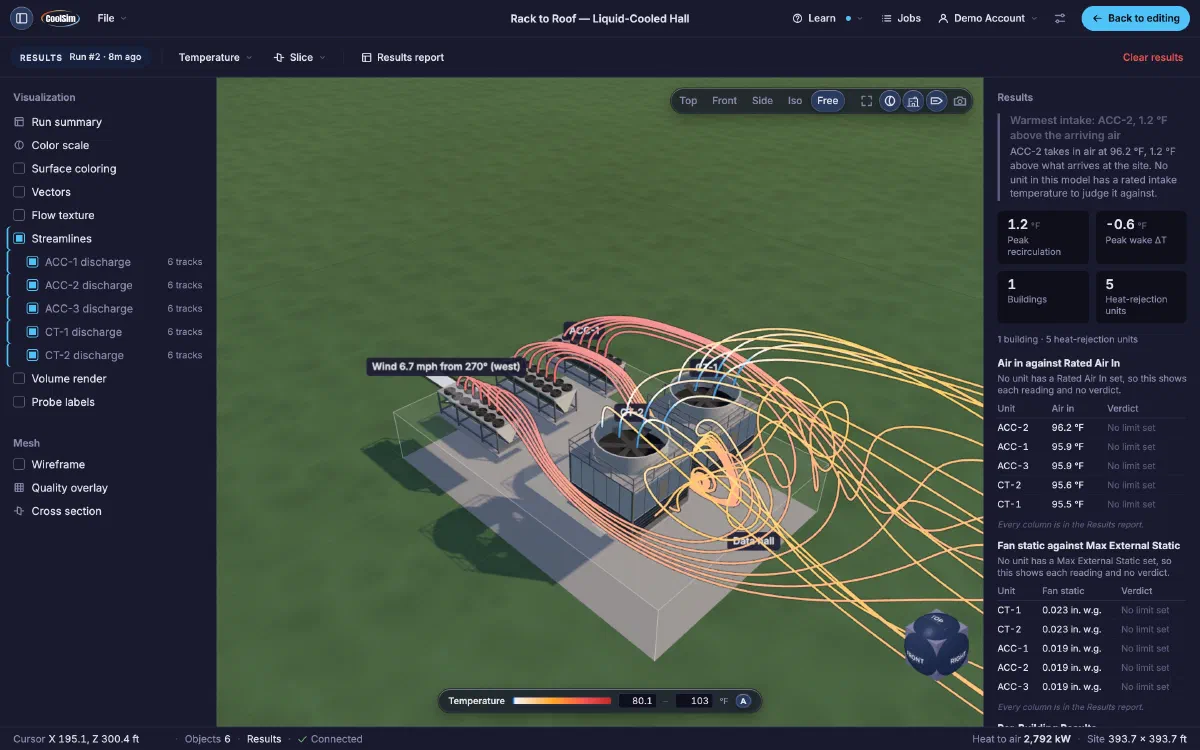
Put the hall in its building on the site, with the chillers, condensers and cooling towers that carry its heat away. One run solves the hall and the site together, so you see whether the plant breathes its own exhaust, and what that costs.
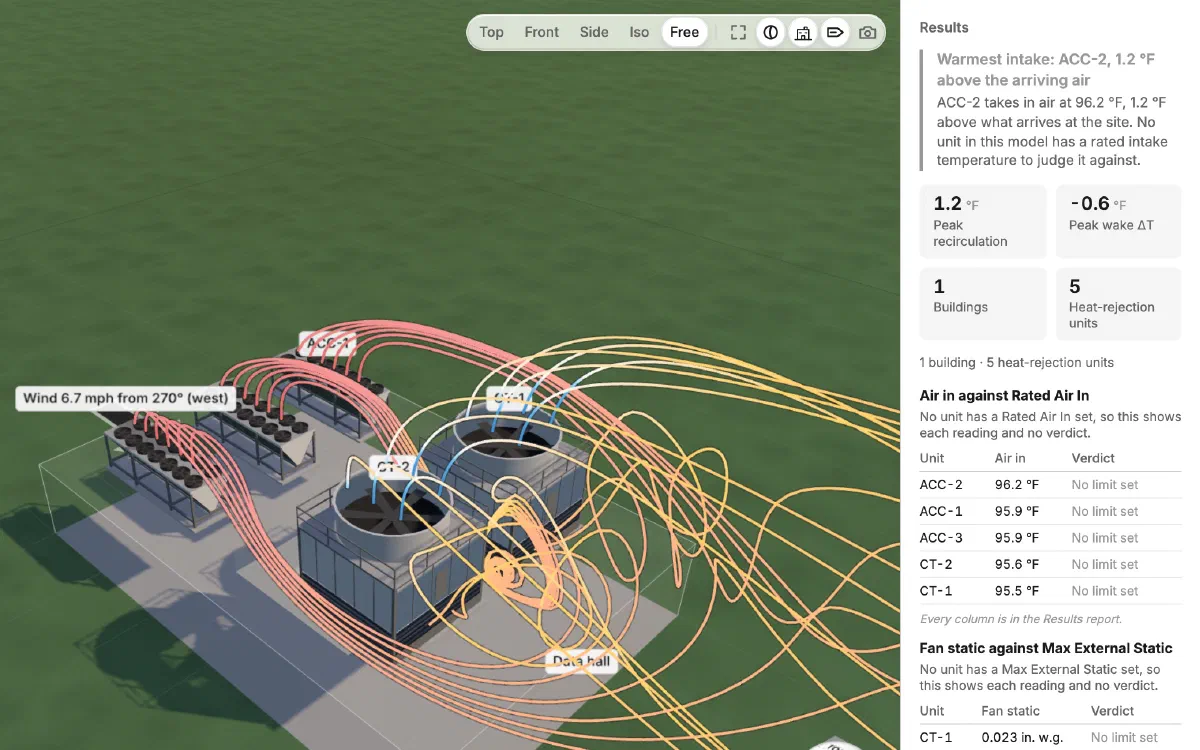
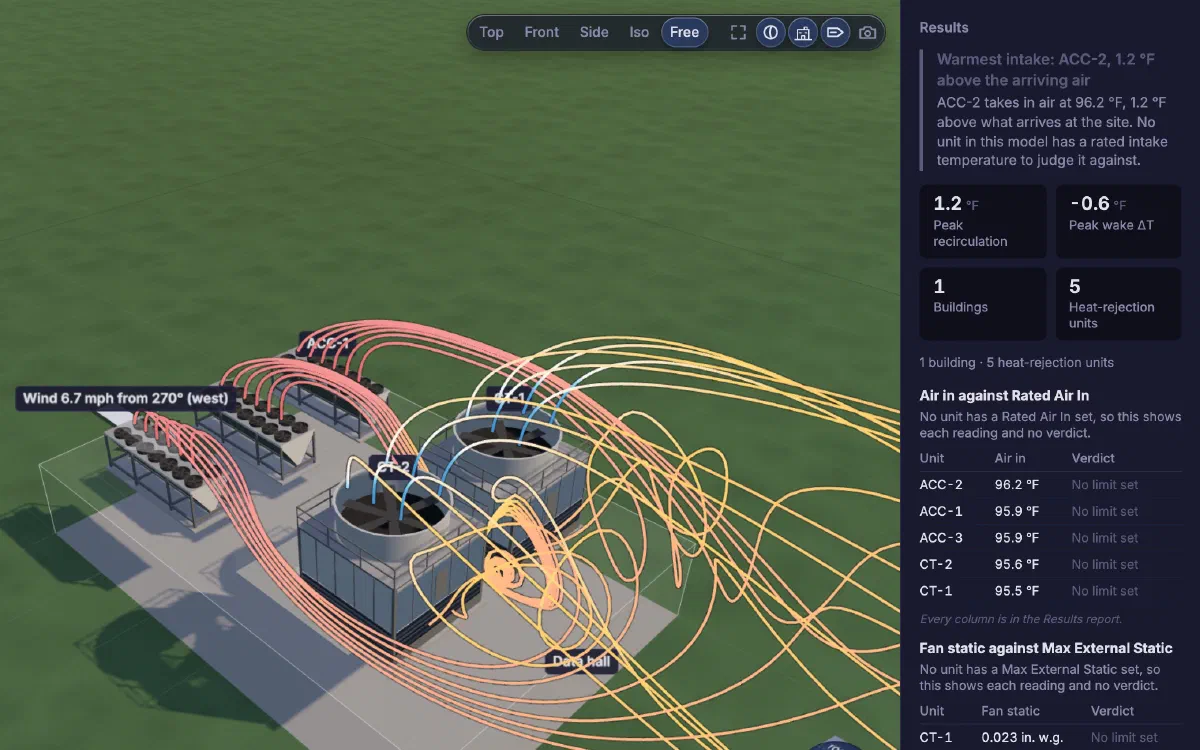
Follow the air from every condenser and cooling tower as the wind carries it, and see which unit breathes it back in. The results name the warmest intake and how far it runs above the air arriving at the site, list every unit's intake temperature and fan static, and the full report downloads as a PDF.
Request an account
We set up each account ourselves. Tell us what you want to model first.
- → Build the model in your browser, with nothing to install
- → Solve it on our cloud computing
- → Every run, its results and report in one portal
- → Early-access runs are free
- → We read every request ourselves, within one business day
- → We set up your account and email you when it's ready